PASSENGERS & MORE VIEWS
Choose the views that matter when you carry passengers
Compare cabin context, side views and road detail as separate needs, then build a manageable multi-camera setup.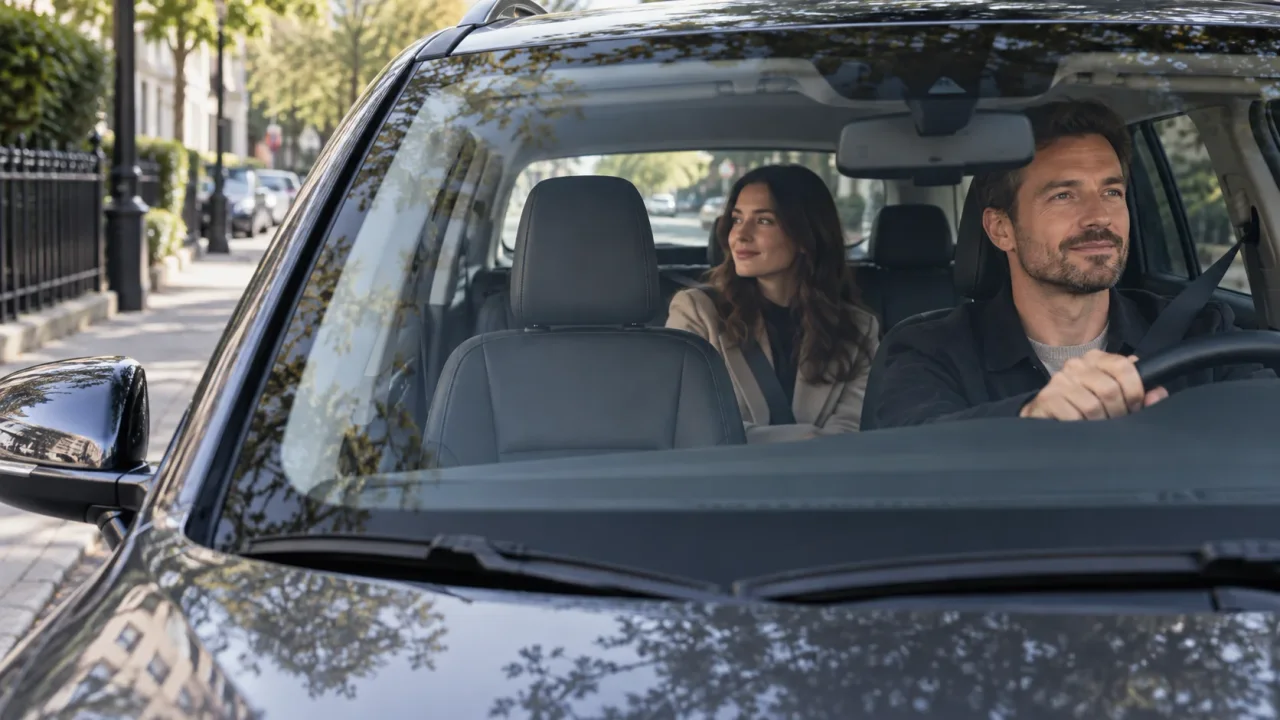
The situation: the road is only part of the story
For passenger-facing driving, a front recording may show the journey but not an interaction in the rear seat. A cabin view can add context; a side-facing view may show some activity during pickup or beside the vehicle. These views have different jobs and should not be treated as interchangeable.
Make a list of the events that matter: traffic incidents, passenger interactions, pickup/drop-off activity, or parked side contact. Select the lens directions that address that list before comparing channel counts.
Understand what a cabin view can actually see
A lens direction on a diagram does not guarantee visibility around people, headrests or pillars. Think about the seating layout and where passengers or luggage will be. A view across the cabin can include a window, but reflections and tint may limit what is visible outside.
Multi-camera systems create several separate recordings. They do not remove every blind spot or make a continuous 360-degree scene. Look for sample views that resemble your vehicle layout, not only a promotional coverage graphic.
| Priority | Comparison to make | Trade-off |
|---|---|---|
| Interior interaction | Cabin framing and supported IR | People or seats can obstruct the view |
| Side context | Actual side-facing channels | Window and pillar geometry affect coverage |
| Front-road detail | Front sensor and active resolution | A higher front specification does not apply to all channels |
| Maximum views | Full simultaneous camera layout | More files, storage use and setup checks |
Night shifts need two different image checks
Road detail and cabin detail are different low-light problems. On supported models, IR helps illuminate nearby interior subjects. It does not illuminate the road or establish that every camera has the same night capability.
Review a moving road sample and an interior sample separately. Bright exterior lights, reflections and a dark cabin can challenge the installation differently. A front sensor claim should not be used as a substitute for checking cabin visibility.
How to compare the IIWEY shortlist
N5 is a four-view starting point when GPS is not essential. N5 Pro adds a different front-resolution/GPS proposition; confirm its exact current channel configuration. N6 Pro lists a STARVIS 2 4K front channel plus three 1080p views, GPS and Wi-Fi 6 in the approved material.
N9 prioritizes five 1080p views. C4 Pro lists a 2.7K front, 2K rear and two 1080p side views with a STARVIS 2 front sensor. Those are different trade-offs, not a single good/better/best ladder. Reduce the list to two or three based on the views and detail you actually need.
Plan for a full shift, not one demonstration clip
Several active cameras produce several files and a larger storage workload. Check included and supported card capacity, and consider how long you need recordings to remain available between reviews. Do not assume a given card size provides the same history across different channel counts.
Also consider who can access passenger footage and whether you need audio. Recording and notice requirements depend on location and use. The buying decision should include the relevant controls and your operational requirements, not simply whether a microphone exists.
A focused purchase checklist
Choose the system that records the important views in your vehicle and gives you a file-handling workload you can manage. Additional cameras are worthwhile when their context is useful, rather than merely making the specification longer.
- Map actual front, rear, cabin and side views.
- Confirm cabin low-light features separately from road performance.
- Compare all channels in the intended recording mode.
- Check storage, routing and any supported parking-power accessory.
- Confirm exact model and bundle before comparing current prices.