Live View & Multi-Channel Switching
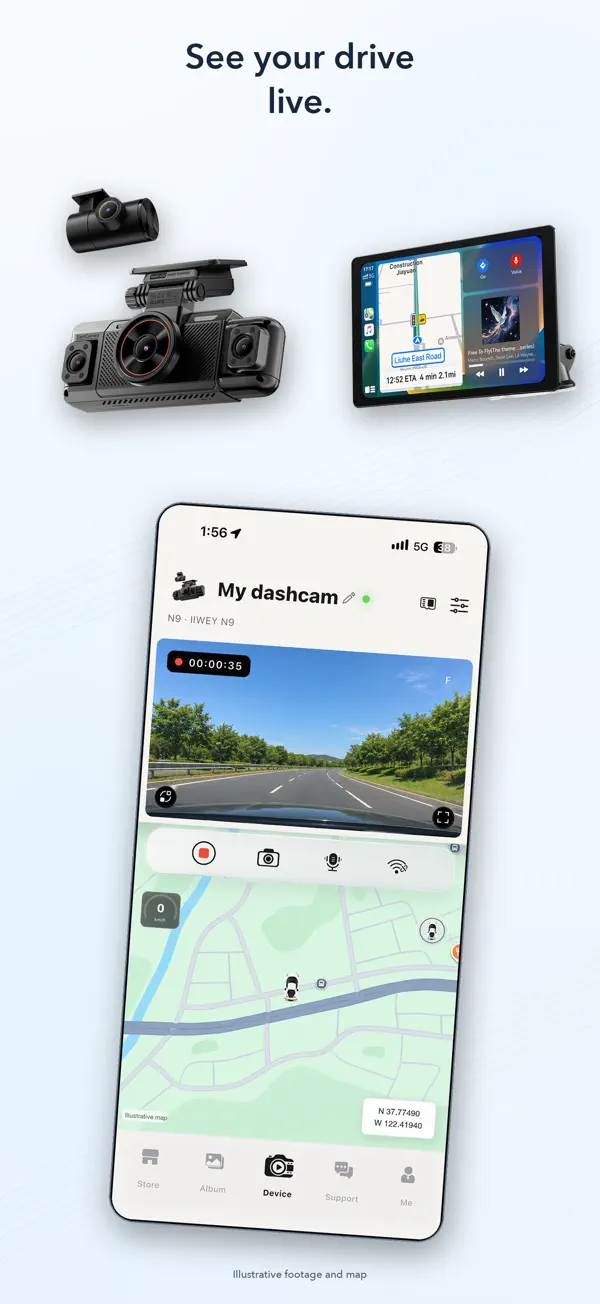
See the live camera feed right on your phone or tablet and switch cleanly between front, cabin, side, and rear views.

Connect your compatible IIWEY dash cam to view live multi-channel feeds, browse drive albums with GPS route playback, edit multi-angle clips in IIWEY Studio, and manage firmware updates.


Google Play is currently under review — Android users can install the official signed APK above right away.
Looking for legacy apps or desktop GPS players? All Apps & Desktop Players →
See the live camera feed right on your phone or tablet and switch cleanly between front, cabin, side, and rear views.
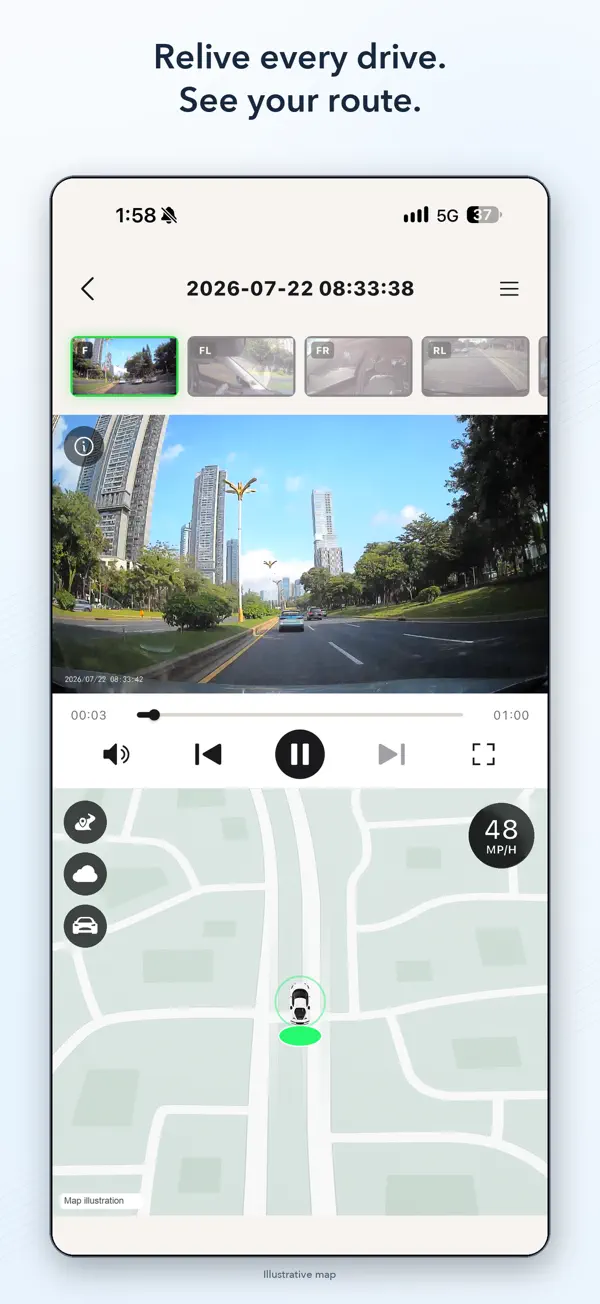
Browse recordings grouped by drive session and channel, play back clips synced with your GPS route and speed, and save selected videos locally.
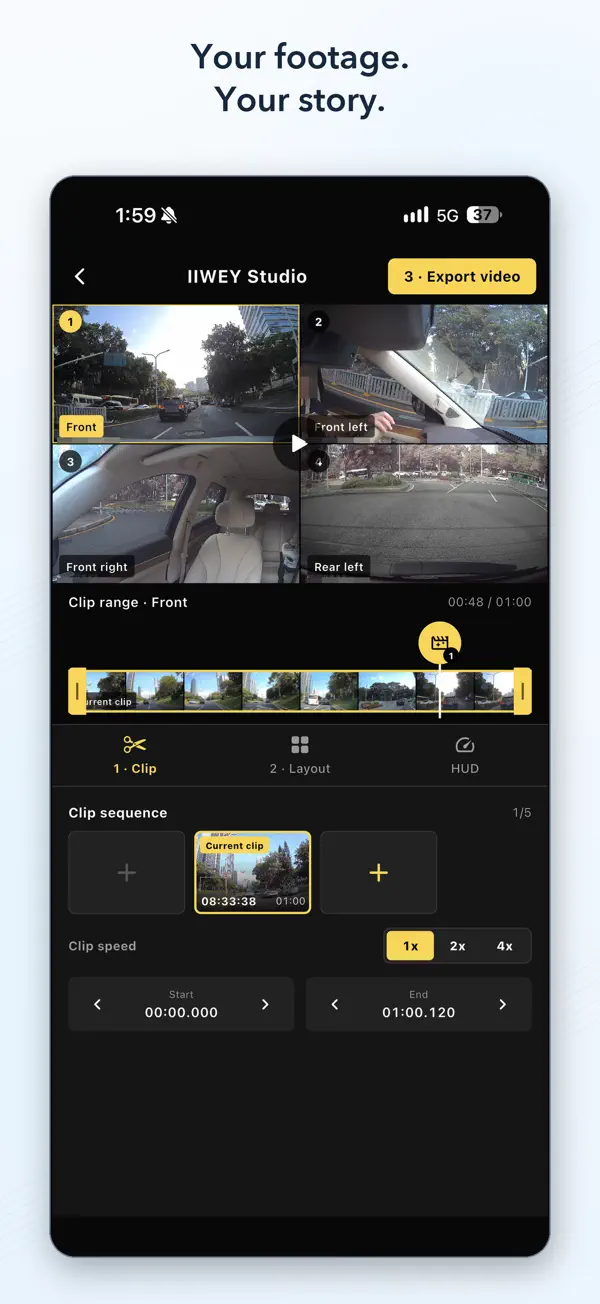
Combine up to four camera views, trim exact clip ranges, pick layouts and HUD overlays, adjust playback speed (1x / 2x / 4x), and export in seconds.
Adjust supported camera settings, check for official firmware updates, explore product guides, shop accessories, or contact IIWEY support with optional AI assistance.
Download free on the App Store for iPhone & iPad, or install the official Android APK directly.
With your vehicle safely parked, power on your IIWEY dash cam and enable Wi-Fi on the device.
Select your camera in the app or phone Wi-Fi settings to view live feeds, replay routes, and export clips.