01
Choose the kind of change you want to make
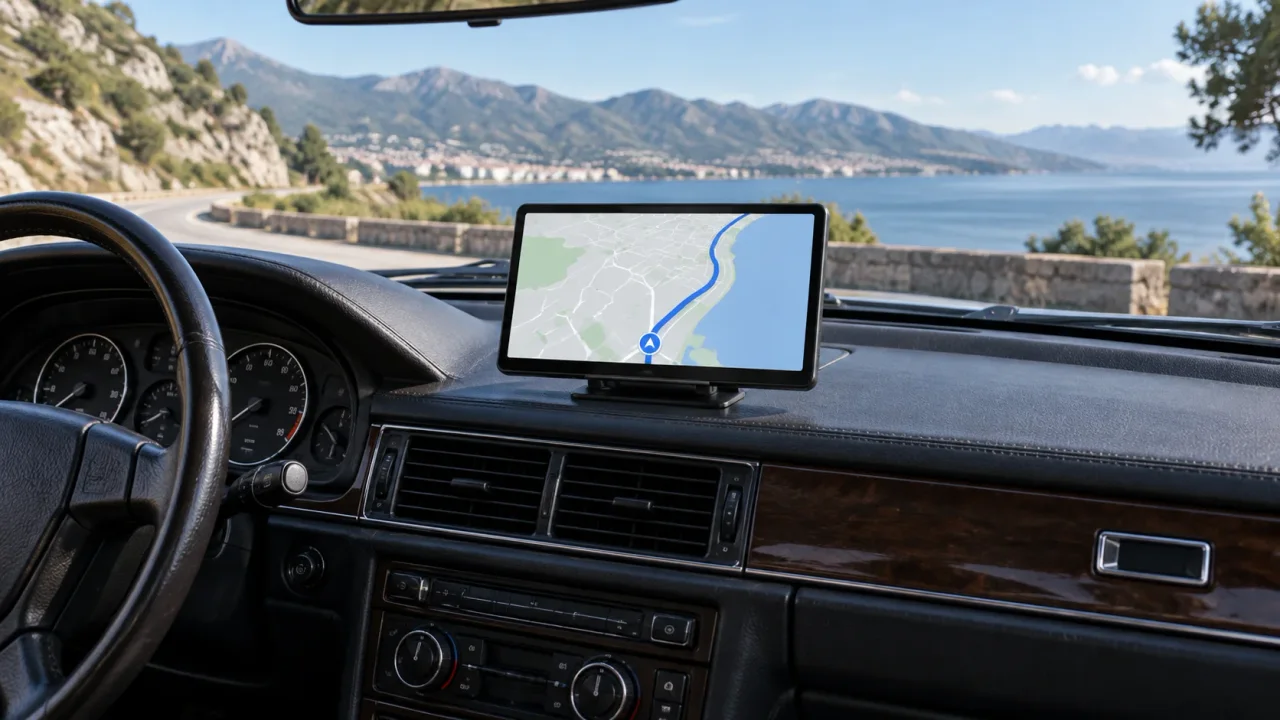
A portable screen adds a separate interface while retaining the factory stereo. A replacement head unit changes the built-in system. The right starting point is whether you want a reversible addition or a more integrated dashboard project—not which product has the longest feature list.
If navigation and supported phone apps are the missing functions, a portable screen may meet the goal. If replacing the stereo itself is the goal, including vehicle integration or a broader audio upgrade, compare a vehicle-specific head-unit installation instead.
02
Choose an audio path before choosing the screen
A working map on the display does not mean sound will automatically play through the car speakers. Audio routing is a separate compatibility question. Identify your car's available inputs and compare them with the exact screen's output options.
| Audio route | Good reason to choose it | Condition or trade-off |
|---|---|---|
| AUX | Your stereo has a usable wired input | Cable routing and cable inclusion need checking |
| Car Bluetooth | You want a supported wireless audio route | Confirm the model's car-pairing arrangement |
| FM transmission | The car radio is the practical available input | A matching clear frequency is needed; interference can affect sound |
| Built-in speaker | You do not need the vehicle speakers | Listenability differs from the car's installed audio system |
03
Treat the rear camera as another buying decision
If you want road evidence behind the car, check rear recording. If you want the display to switch automatically when reversing, check that function and its installation requirements separately. One does not prove the other.
Confirm that the camera is included in the selected bundle and that its cable and connector match the screen. A generic-looking plug does not make another camera compatible. Camera positioning and vehicle cable routing can also make the installation more involved than mounting the display alone.
04
Portable screen or replacement head unit?
A portable screen retains the existing stereo and is useful when reversibility and a less invasive upgrade matter. It adds a separate display and visible mounting/power considerations. A replacement head unit can provide a more integrated dashboard result when the car supports it, but vehicle-specific fit and installation become part of the project.
Normal IIWEY portable-screen installation uses the supplied car charger; a hardwire kit or OBD cable is not required. Do not add a Dash Cam parking-power kit to the screen purchase by default. Choose that equipment only for a separate explicitly compatible recording setup.
05
Two buyers can reasonably choose different sizes
A driver with a compact dashboard and an AUX input may prefer a smaller display with a straightforward wired audio path. Another driver with generous clear space may prefer a larger display, provided it supports the needed phone and audio modes. Both choices can be better than picking the largest available model without checking the vehicle.
- Measure the installed footprint and check line of sight.
- Confirm the exact phone mode and audio route.
- Decide whether recording and automatic reverse view are essential.
- Verify current package contents, price and installation needs on the product page.