· By IIWEY
Three different things buyers call ‘wireless’
Local clip access, a wireless phone display and remote vehicle access use different capabilities. Choose the one that matches your intended use.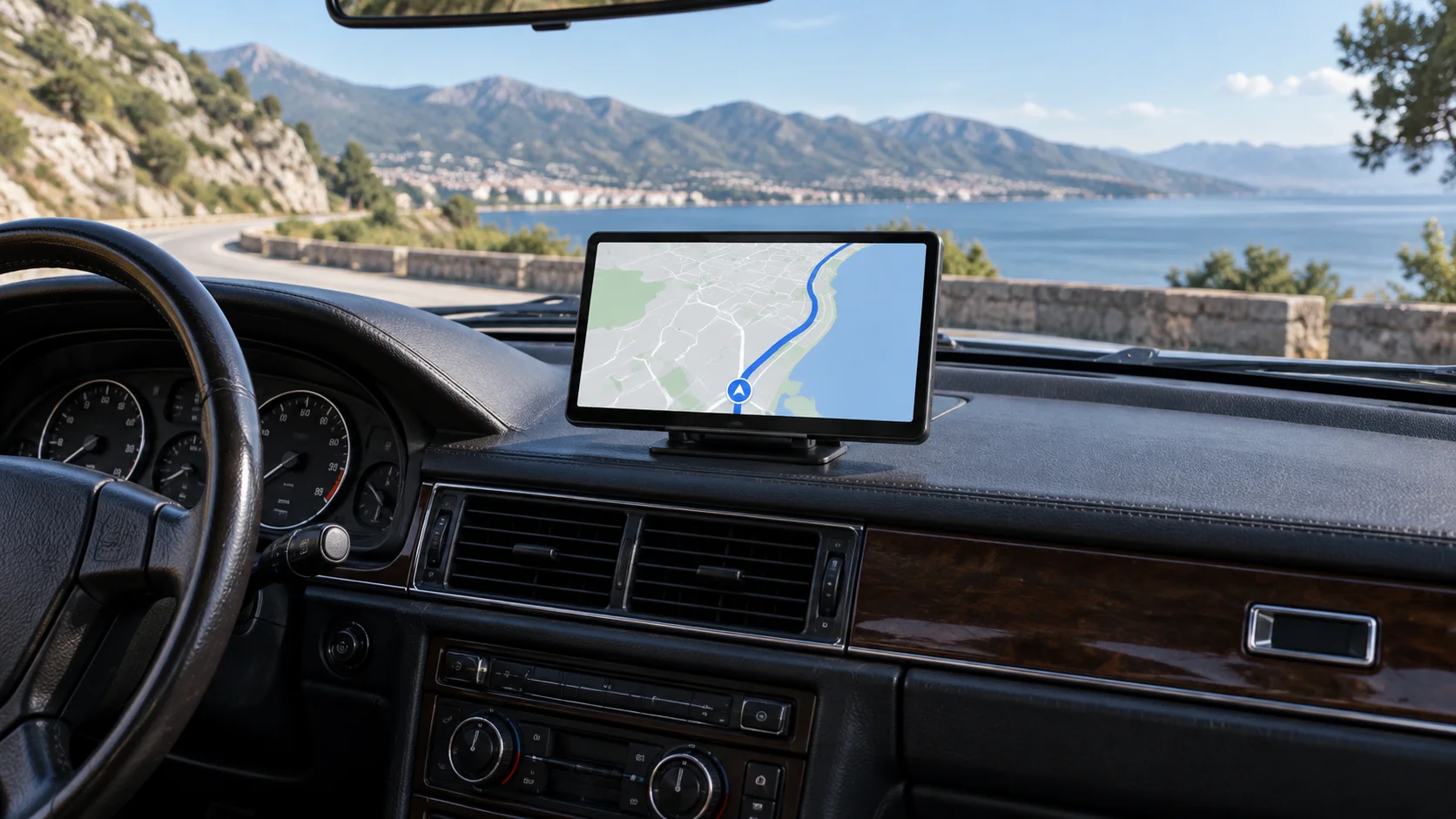
Start with where the phone will be
If you are beside the car and want a saved clip, local recorder Wi-Fi can be the right tool. If your phone is with you in the car and you want its apps on a display, CarPlay or Android Auto is a different use. If the car is elsewhere, you are asking about remote connectivity.
All three can sound like ‘using my phone wirelessly’. A product supporting one does not automatically support the other two. Clarify the location and task before comparing wireless badges.
Local Wi-Fi is a nearby recorder connection
An ordinary dash camera can create a local network for a nearby phone. The supported App can then provide the device's local review/download functions. A newer Wi-Fi generation does not, by itself, connect the camera to the Internet.
GPS is separate too. It can add supported location or speed information to recordings, but does not provide the network path for remote access. A camera with GPS and Wi-Fi may still be entirely unsuitable for live viewing from home.
Wireless projection connects a phone experience to a screen
CarPlay and Android Auto provide supported driving interfaces. The IIWEY guidance describes Bluetooth beginning pairing and Wi-Fi handling the wireless session. AirPlay and Miracast are separate mirroring modes, with their own phone and content limitations.
WiFi Dash Cam on a supported screen is another mode for accessing its recorder. Wireless modes normally share the connection, so a buyer should not assume a separate recorder-App session and phone projection will both occupy it at once.
Remote access adds an operating dependency
A supported 4G camera depends on power, region, network coverage and the applicable service. The approved L9 information describes a United States product with road and IR cabin views and a required data plan after its included trial. Confirm current product/service details before purchasing.
This changes both the cost and the camera-layout decision. A remote road/cabin product is not a front/rear/side system simply because it is connected. Make remote access and required views separate lines on your list.
A one-sentence requirement prevents the wrong purchase
Write one of these: ‘I need to download clips beside the car’; ‘I need phone navigation on a dashboard display’; or ‘I need to view a powered vehicle from another location’. Then check the explicit capability and its conditions.
If you need more than one, verify each separately. This avoids paying for a fast local connection when the real need is remote access, or choosing a remote camera when a simple local download would meet the goal.